
How to choose the best CRM and POS for an aesthetic clinic in 2026
Run a sample patient through booking, payment and follow-up. Use the same test for every CRM and POS you try, from reception to the treatment room.
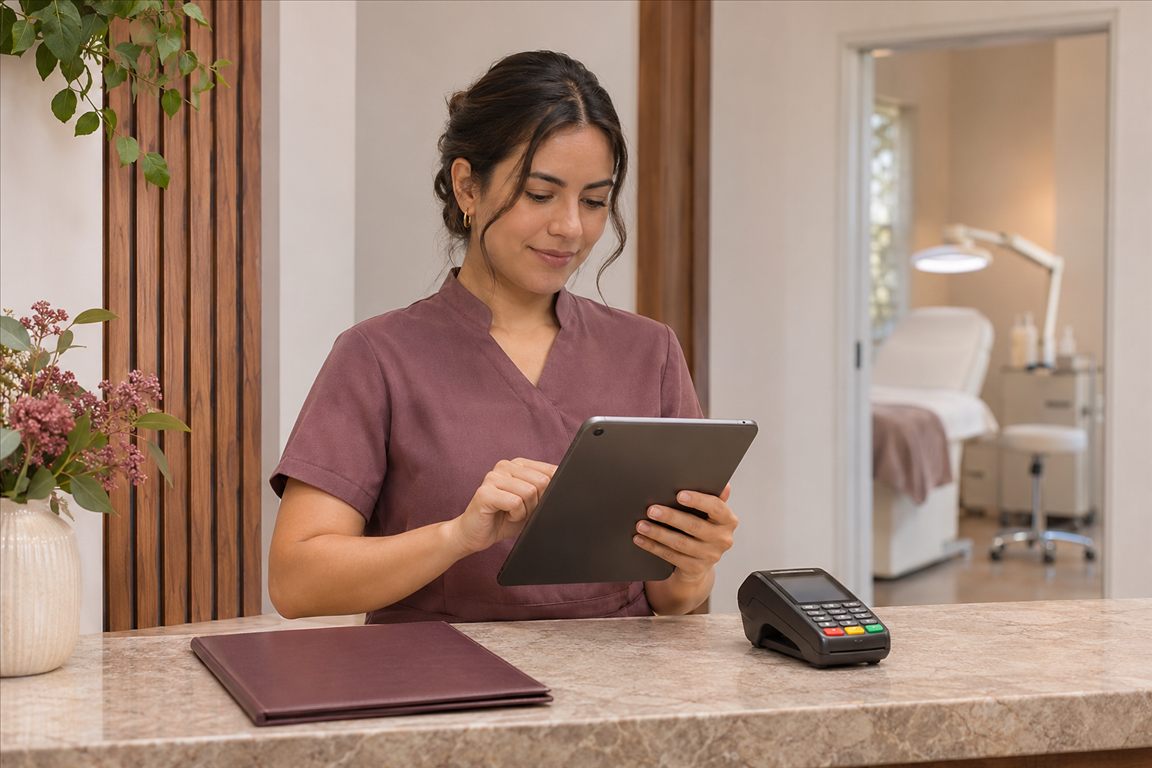
The best CRM and POS for your aesthetic clinic links the appointment, patient record and payment to the same visit, with separate access for reception and practitioners. In a 2026 demo, ask the vendor to take an appointment with a deposit and a form awaiting review through checkout and rebooking. Repeat the scenario with every option so you can compare how it handles an ordinary day at your clinic.
Check who can see each part of the patient record
At reception, look up the patient from the booking or contact number. Check that reception can see whether the form has arrived, the appointment and the deposit. Switch to the authorised practitioner account and find the form answers, the signed consent version and the visit history in the clinical record. Add a second demo patient with the same name and see how you tell the appointments apart before booking.
The Australian information commissioner’s privacy guidance explains limiting access to information by role. Sign in separately as reception and as a practitioner and see who can view, edit or export a record or photo. Check local health data access and retention requirements with your regulator or adviser. For the record contents, see the aesthetic clinic software guide and the guide to client history in a CRM.
Test a deposit and two payment methods at checkout
Attach a deposit received before the visit to the invoice for the same demo patient. Then add a service and one retail product to the sale. These figures are for the exercise.
| Sample invoice line | Amount |
|---|---|
| Service | $320 |
| Retail product | $40 |
| Invoice total | $360 |
| Deposit received | $60 |
| Balance to collect | $300 |
Suppose the patient pays $250 by card and $50 by bank transfer. At shift close, match the amounts against the terminal and the bank record. The invoice should show the deposit, and the receipts should count it once. Run a second sample sale for a correction or refund and see how it appears in the closing report. The guide to split payments and till close walks through the underlying checks.
Compare one platform with two connected systems
If you are setting up from scratch, try a system that shares the diary, records and checkout. If your current clinical record meets your needs, try a POS that can exchange information with it. In each setup, move a booking and see where the patient identifier, deposit receipt and next follow-up remain visible. If a name or amount needs entering twice, decide who will spot and fix any difference. Use the clinic workflow from intake to follow-up to assign those handovers.
ZibaDesk example, from the clinic record to checkout
For example, the aesthetic clinic page for ZibaDesk describes a clinical record with a health questionnaire, consent forms, photos and treatment plans. The page says chargeable items logged in a treatment chart can become POS line items. In the demo, ask reception to open the draft bill and double-check the service amount and earlier payment before checkout.


Finish the demo using your calendar and payments
Book a test visit in the clinic’s local date format and check the date in the form and confirmation. Ask reception to show the difference between a linked terminal payment and a payment recorded manually. Disconnect and reconnect a test device and see which tasks are available and whether it creates a duplicate sale. Then compare the written cost of the subscription, clinical features, setup, messaging and payment processing.
Please take us through an appointment with a deposit. Let us sign in as reception and as a practitioner, correct an invoice and run the day’s report. We’d also like to open an export with the record, receipt and signed form.
A common mistake is looking at the patient screen and skipping the export. Export a demo record and sale, then open the files. Check that you can identify the visit date and signed form version in the export. Use the guide to core salon software features and the software selection checklist to compare the same test across other options.
Common questions
Does a clinic need CRM and POS from the same vendor?
If you use two systems, test patient matching, deposits, errors and exports in the demo. Choose the setup that lets your team do that work with the fewest repeated steps.
What should I test with a reception login?
Find and record a sample appointment and payment. Then check who can access and export the clinical record from each account against the duties of that role.
When is ZibaDesk worth evaluating for a clinic?
If you want to test forms, records and checkout in one workflow, try it with the same demo case. Ask about the plan, payment compatibility and data exports for your location.